
Cover Letter Templates
Mark your First Impression impactful with our unique Cover Letter templates
AI Pro Resume offers the best cover letter templates to assist you in getting your dream job. Try our professionally designed templates to save time and effort. If you’ve already created your resume with us, you can quickly generate a matching AI-powered cover letter that gives your application a polished and professional look.
Our customers were hired by:
Fetching Templates...
Steps To Create a Cover Letter with Professional Cover Letter Templates
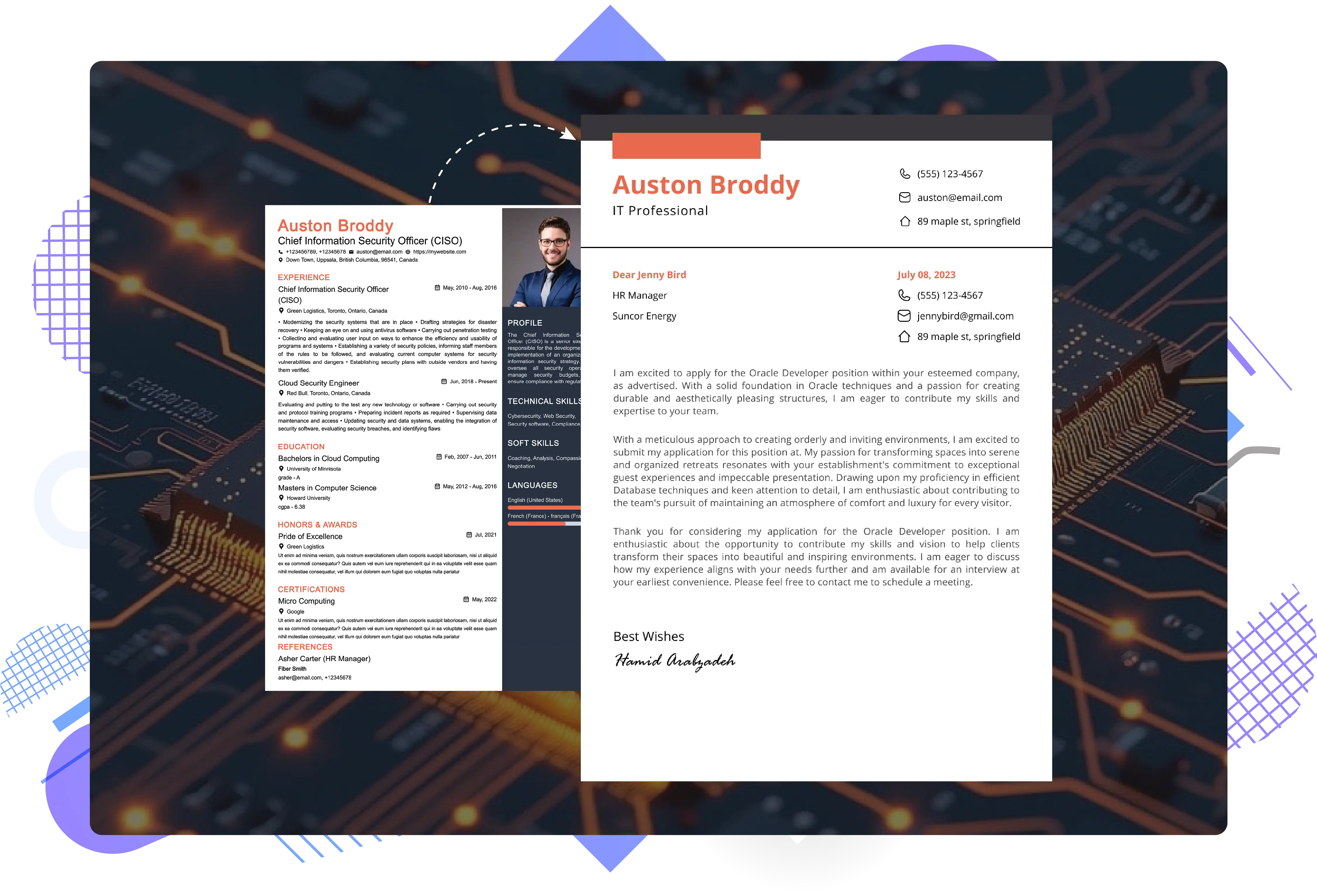
Start creating your cover letter by logging into your AI Pro Resume account. Once logged in, go to the Tools section in the header. Click on Write a cover letter to begin. A new page will open. On the left side, you will see a preview of your cover letter; on the right, you will find the input fields. AI Pro Resume offers auto-generated cover letter options to speed up your cover letter creation process. You must provide your hiring manager details, the company name, and the job position.
Smart Ways To Create a Cover Letter Effortlessly
- Use Your Resume (Fastest Option): If you’ve already built your resume with us, you’re just one click away. We’ll pull in your experience and skills automatically, just drop in the job title and description, and you’re good to go.
- Let AI Do the Work: Even if you don’t have a resume, just tell us the job title and a couple of essential skills, and our AI will create a letter based on the role.
Add Your Signature
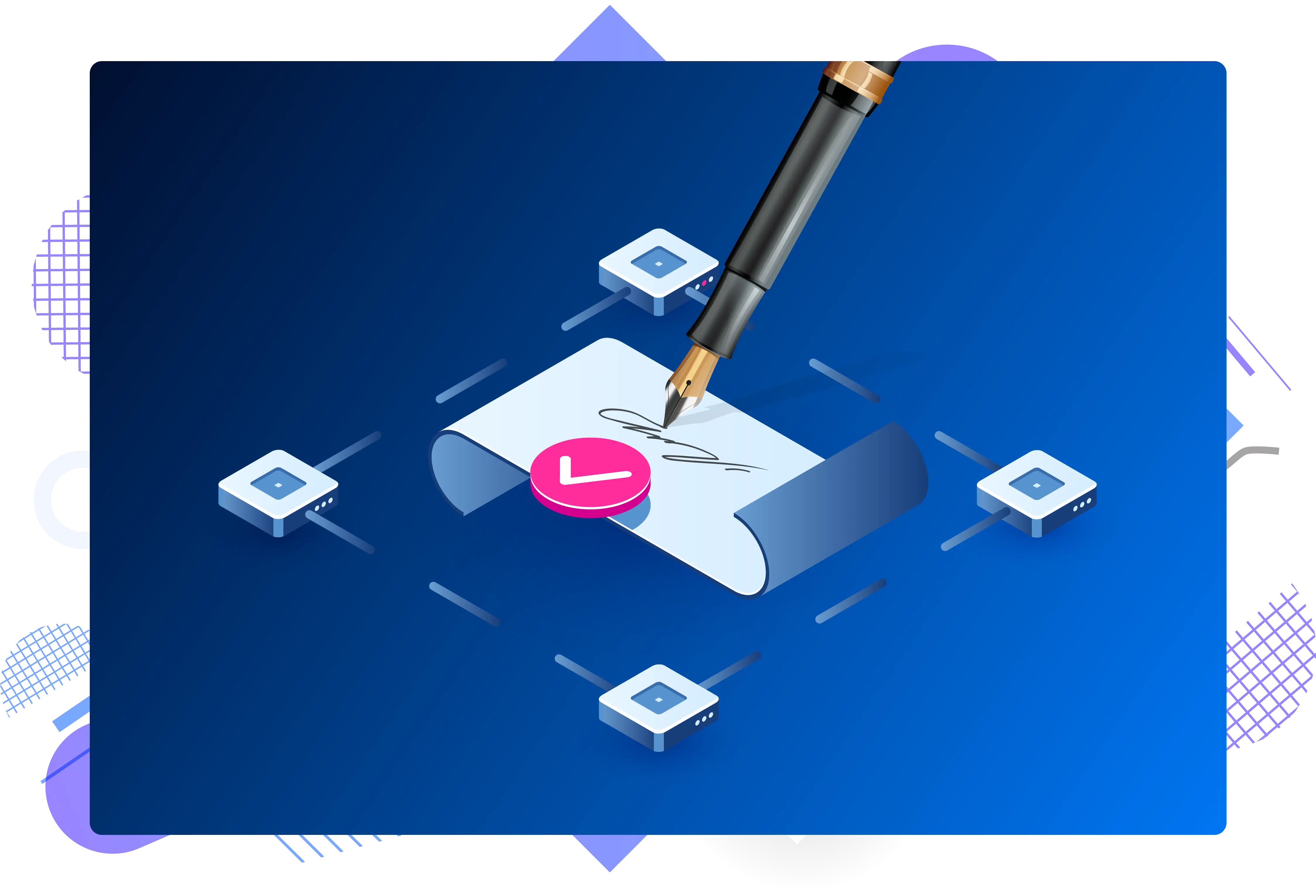
Go to the Signatures section. You will have three options to create your signature:
- Draw: Use your mouse or touchscreen to draw your signature.
- Upload: Upload an image of your signature.
- Type: simply type your name.
After creating your signature, click Save to apply it to your cover letter. Whether you're editing a free cover letter template Word style or using our AI-powered resume builder, your signature adds a professional touch.
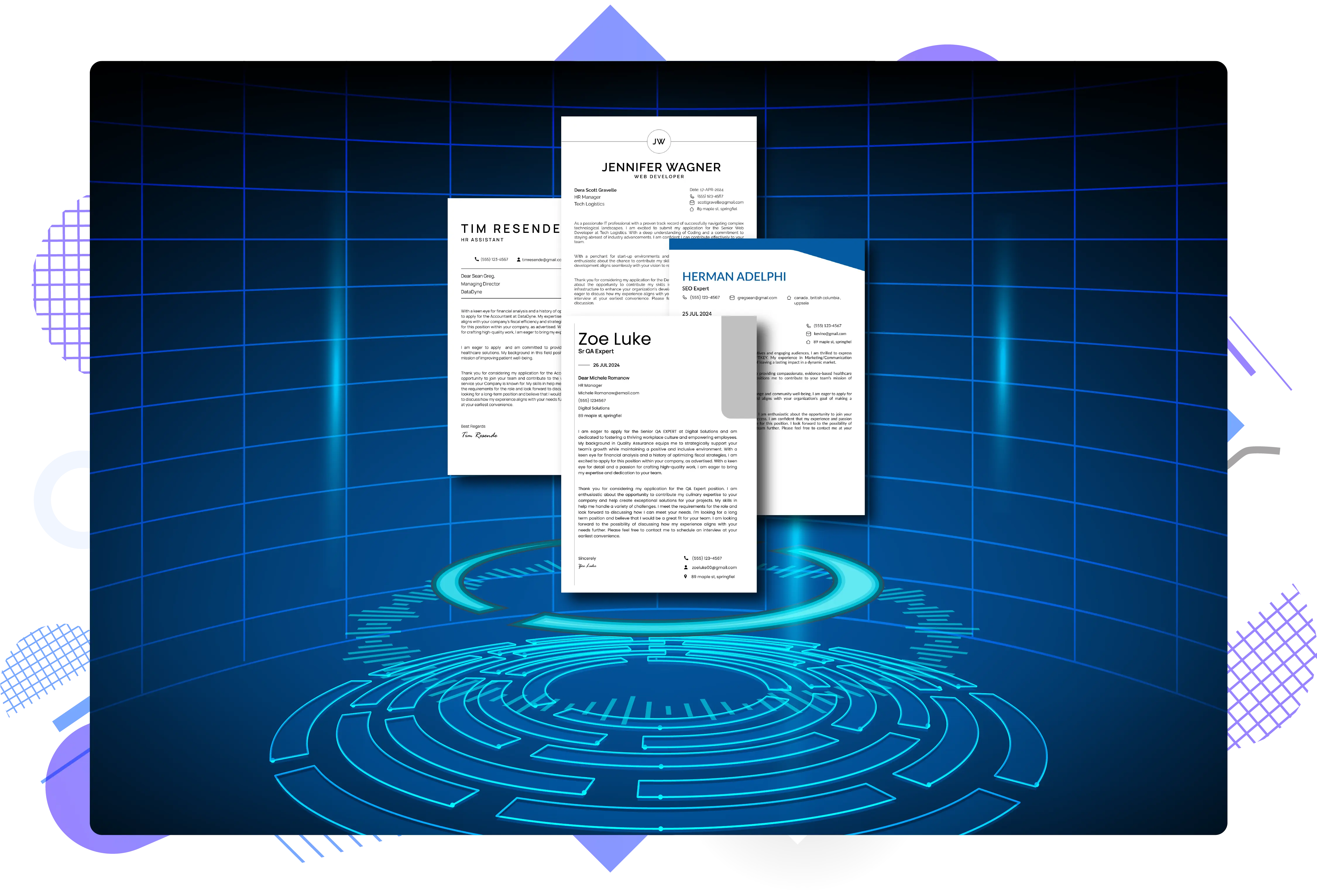
Switch Templates
AI Pro Resume offers a variety of professional free cover letter templates and premium ones to select from. You can switch templates anytime if you change your mind while making your cover letter and want a different look. Just go to the Switch Template section and choose your preferred design.
Customize Fonts and Theme
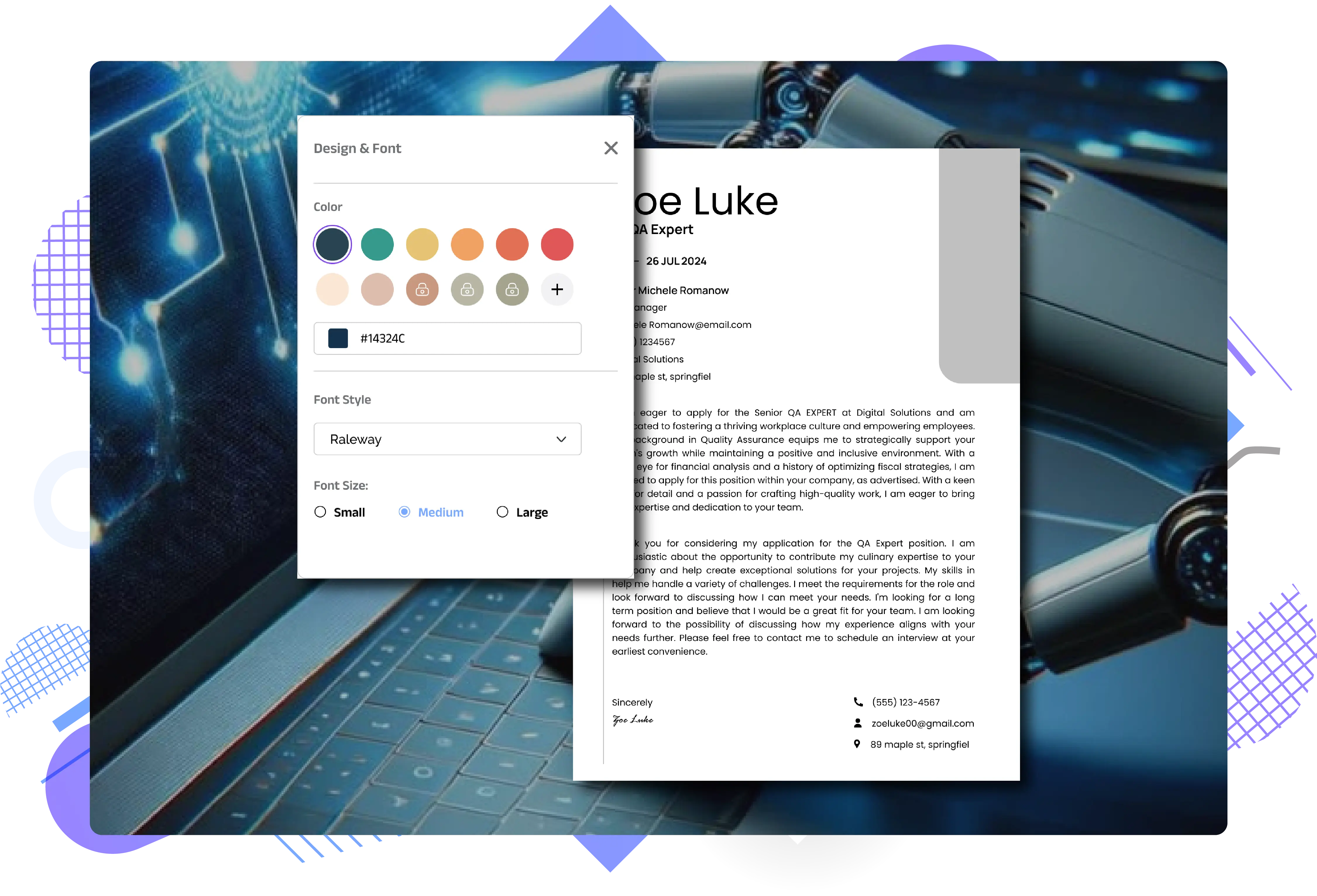
- Font Style: Choose your preferred writing style.
- Font Size: Adjust the size of the text for readability.
- Themes: Select a theme and colour scheme that matches your professional brand.
Further, personalize your simple cover letter template, whether inspired by a classic Harvard cover letter template style or something more modern, by adjusting the following:
Download or Share Your Cover Letter
Once satisfied with your cover letter, click the Download button to save it as a PDF. You can also share your cover letter online.
You can also directly share your cover letter through:
The duplicate option allows you to make an additional cover letter template for job application versions without overwriting the original.